Mobile Wallpaper

The S.O.U.L. Charter
on your lock screen

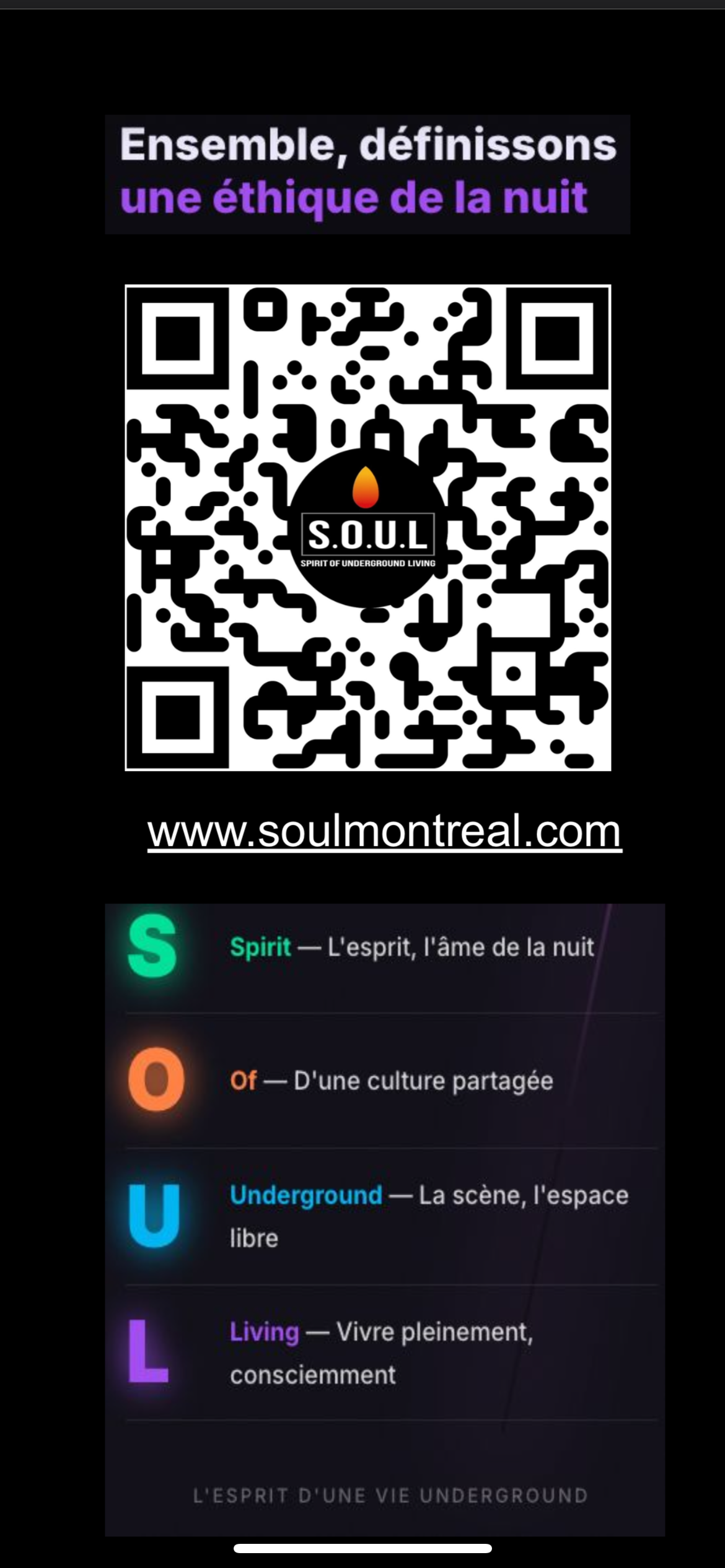
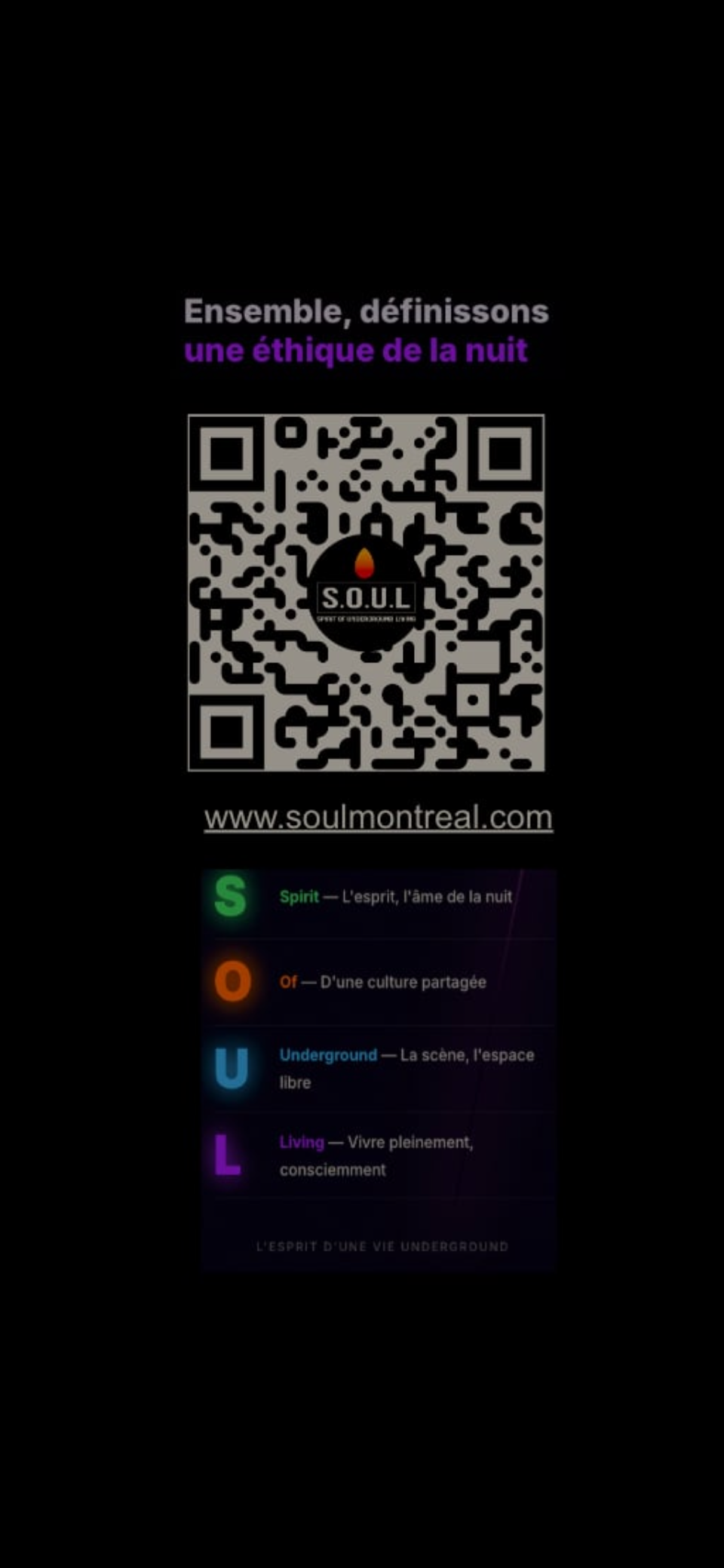
Every time someone sees your phone, they see the S.O.U.L. Underground Ethics Charter QR code. They scan it, discover the 10 mantras. The charter spreads — without you having to say a word.

Choose my wallpaper →
How it works

A passive gesture, a real impact

📱
1. You install it
Download a variant and set it as your lock screen wallpaper.
👀
2. Others see it
On the dance floor, backstage, in line — your phone becomes a passive distribution tool.
📡
3. They scan it
The QR code leads directly to the S.O.U.L. Montréal website. The charter spreads — naturally.
Practical & Useful

Mantra Wallpapers

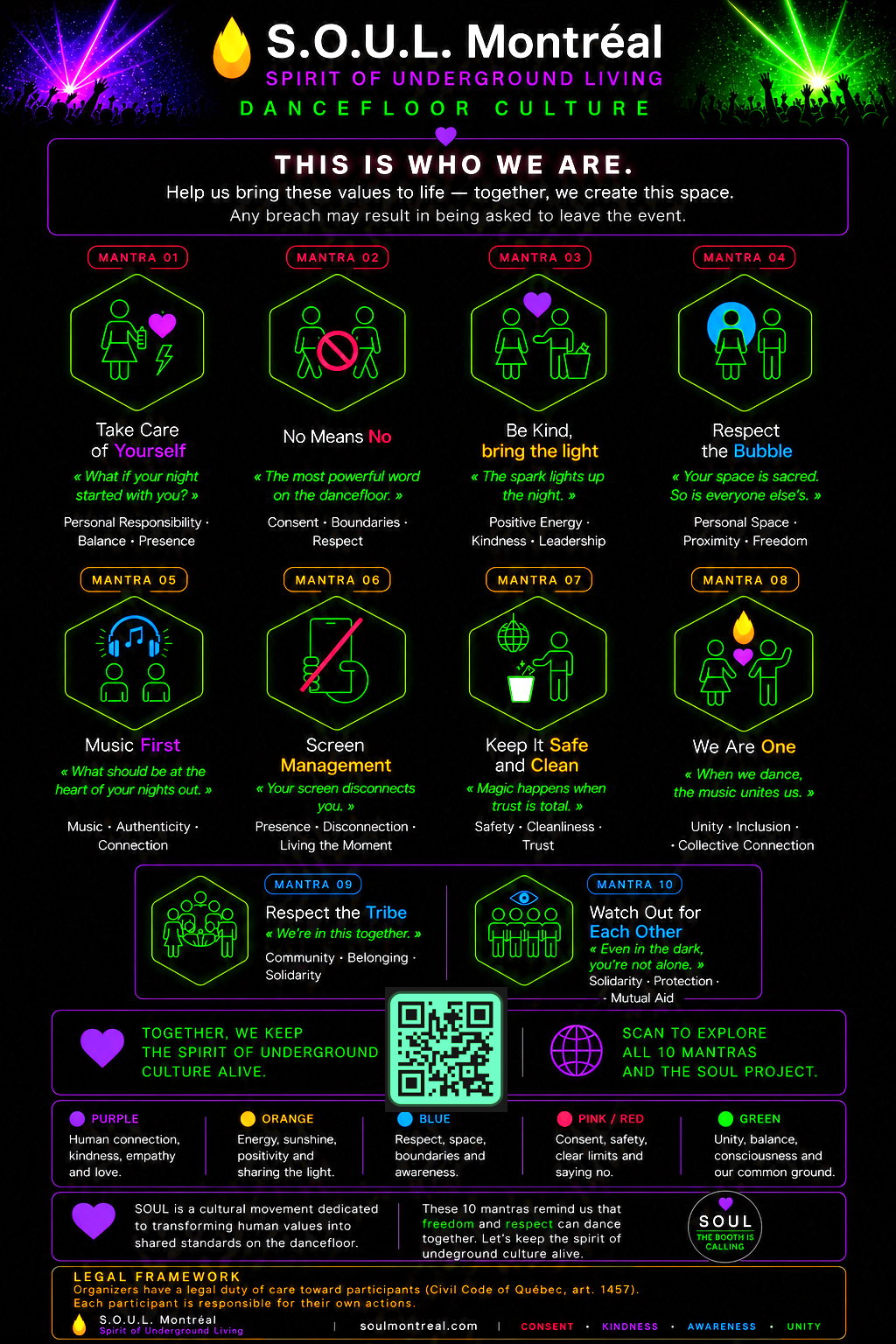
Each mantra of the S.O.U.L. Code in wallpaper format — 9:16 Stories, designed for your lock screen. Carry the mantra with you.

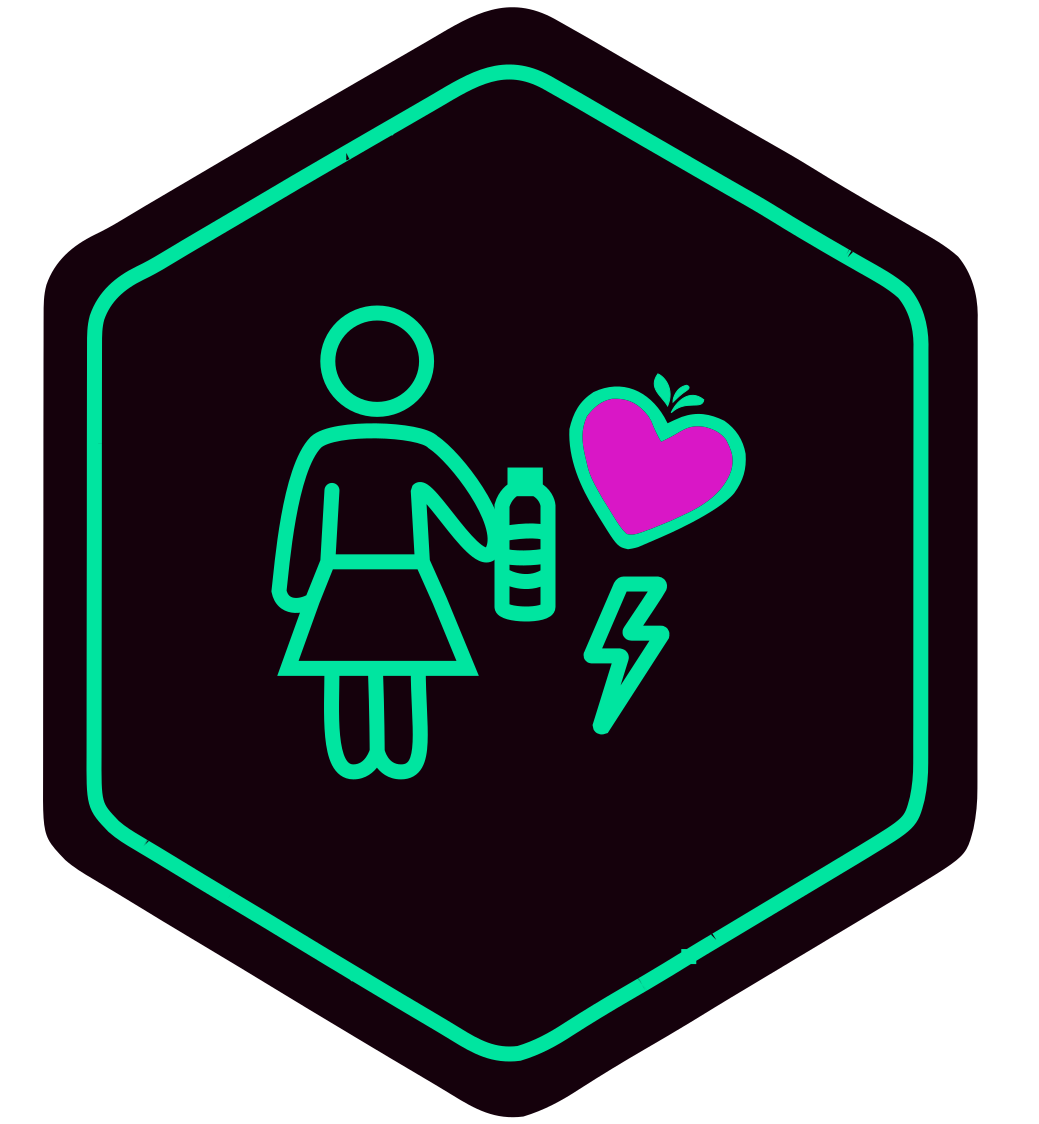
Mantra 01 — Take care of yourself
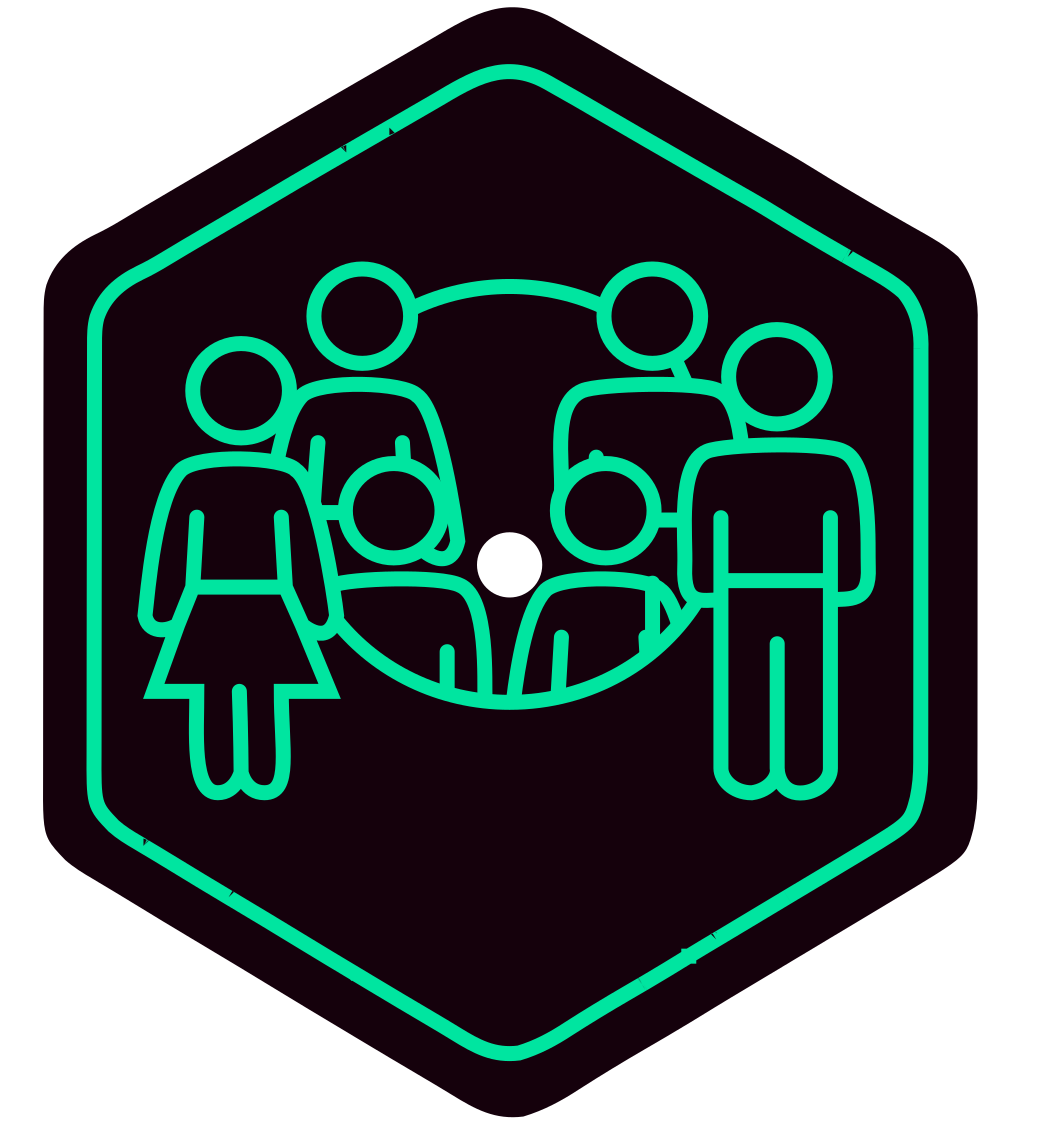
Mantra 01
Take care of yourself
See the mantra →
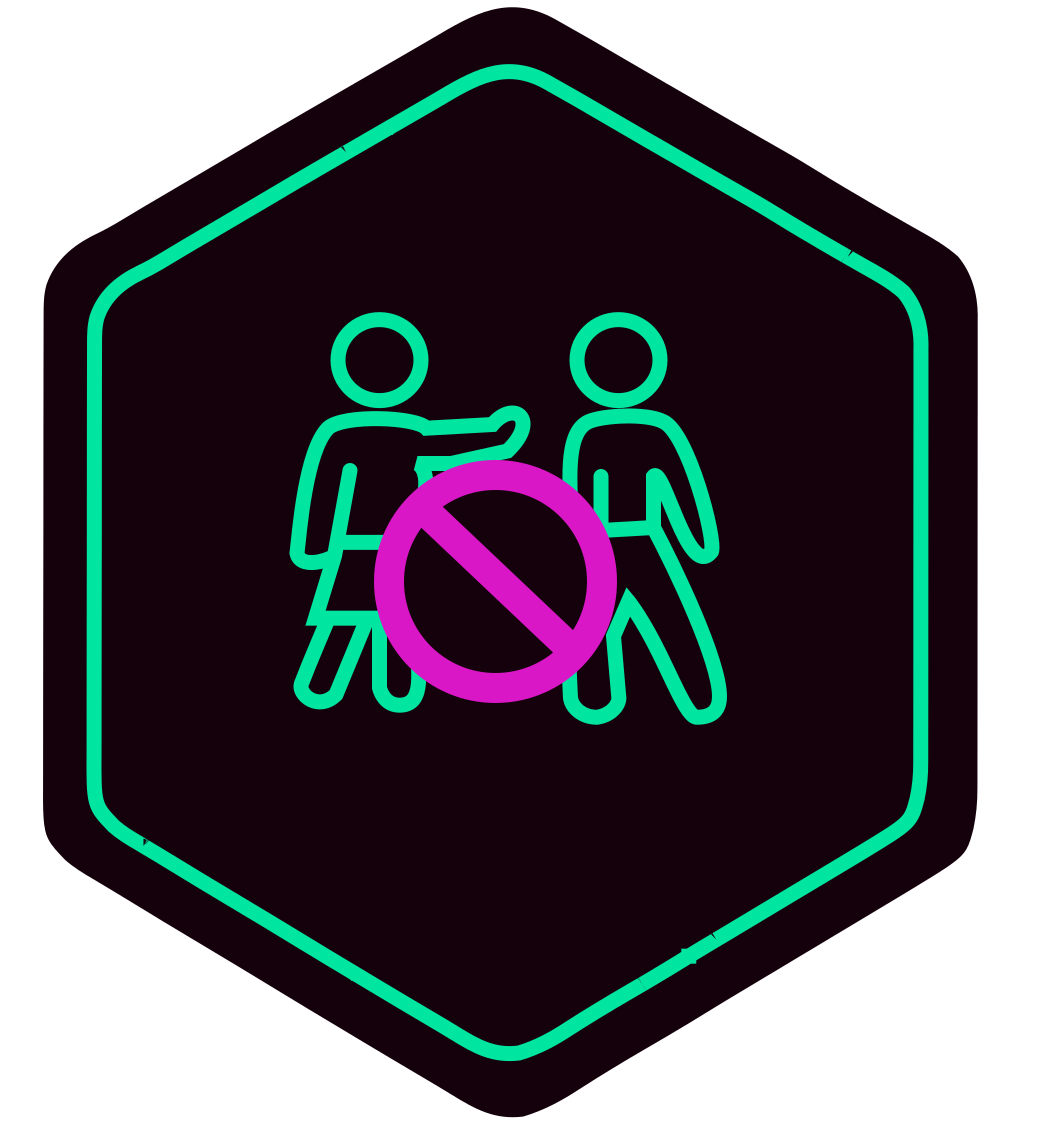
Mantra 02 — Without consent, it's no
Mantra 02
Without consent, it's no
See the mantra →
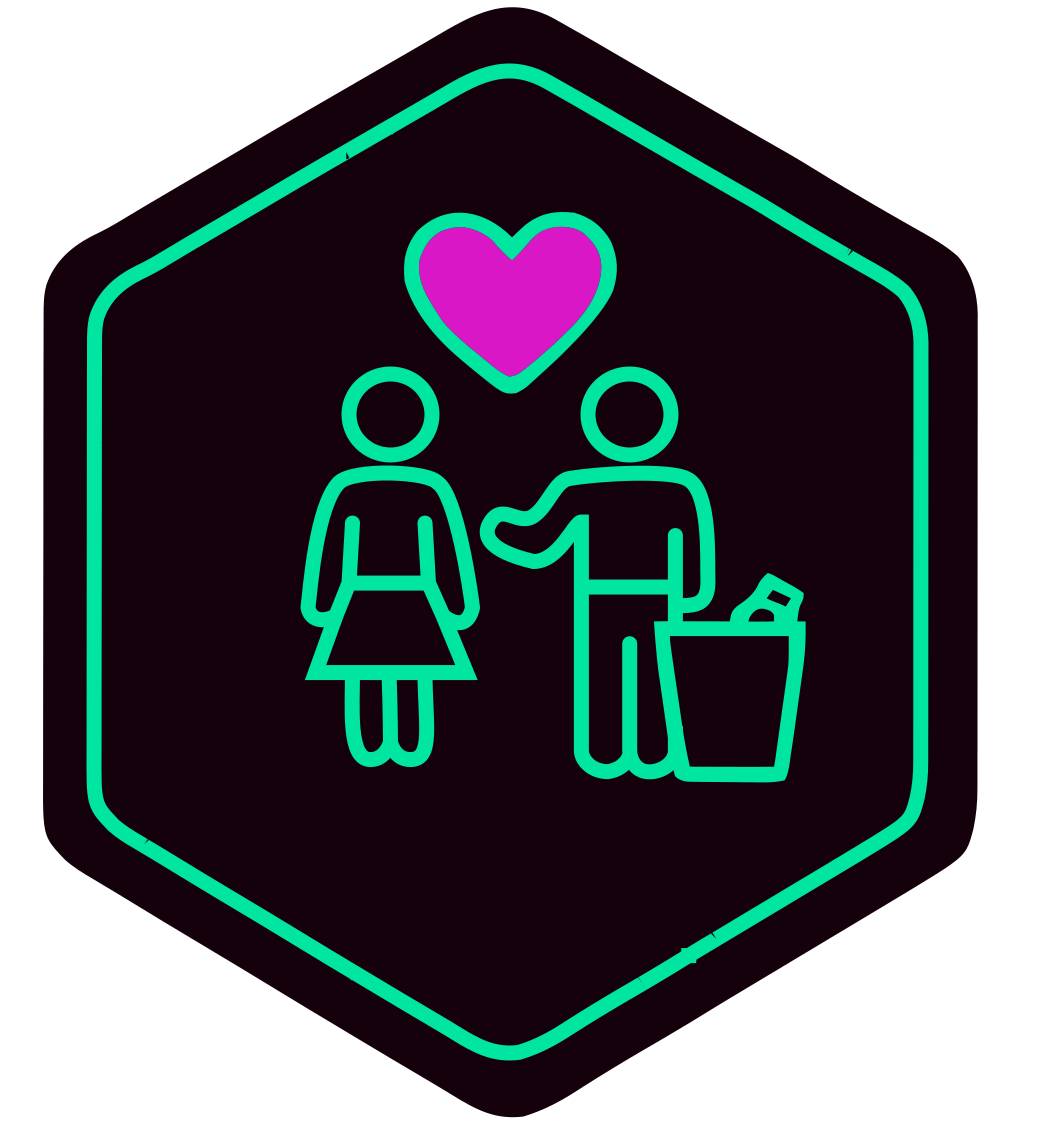
Mantra 03 — Be kind
Mantra 03
Be kind
See the mantra →
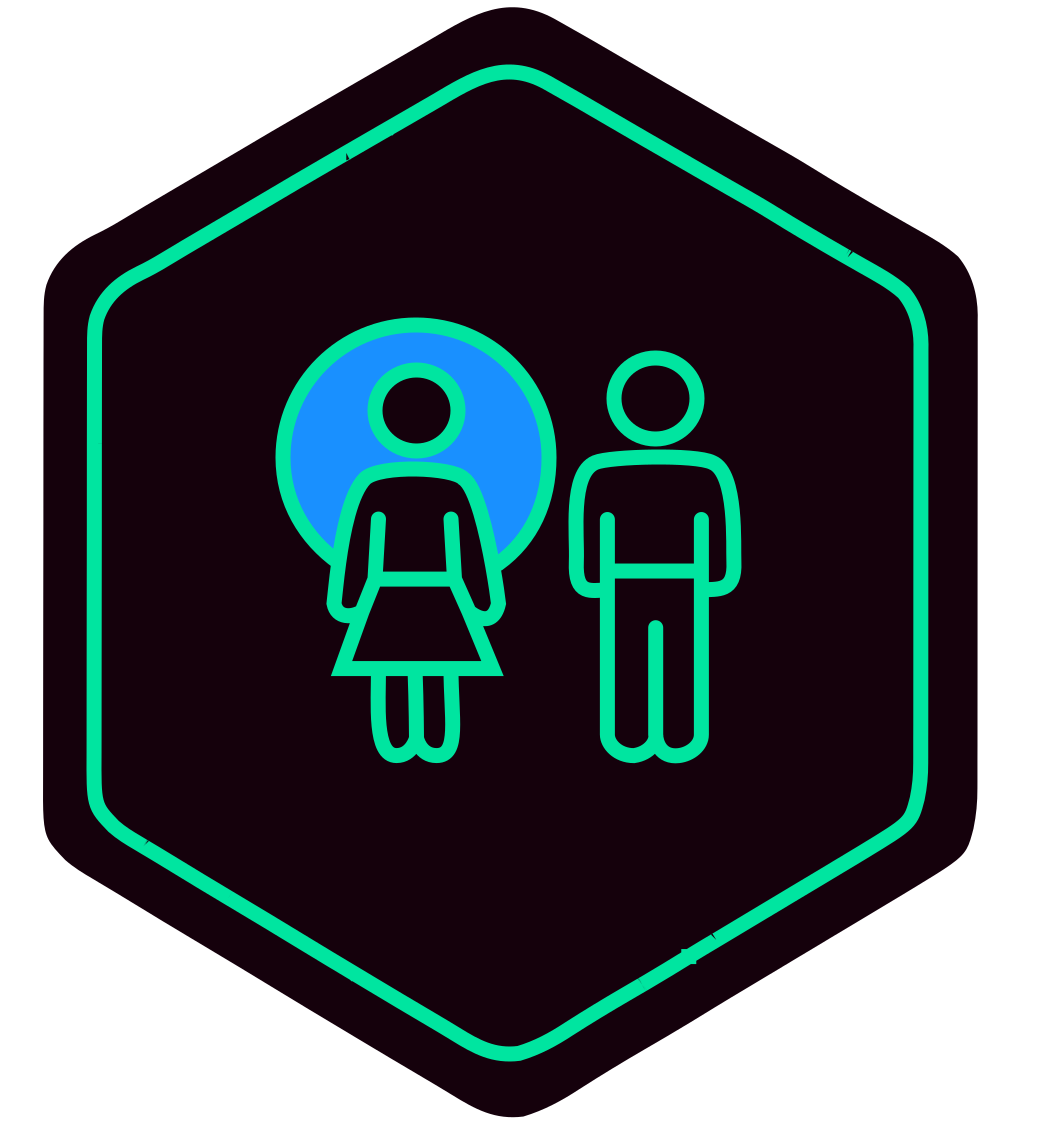
Mantra 04 — Respect the bubble
Mantra 04
Respect the bubble
See the mantra →
Mantra 05 — Music first
Mantra 05
Music first
See the mantra →
Mantra 06 — Screen management
Mantra 06
Screen management
See the mantra →
Mantra 07 — Safe, clean and traceless
Mantra 07
Safe, clean and traceless
See the mantra →
Mantra 08 — We are one
Mantra 08
We are one
See the mantra →
Mantra 09 — Respect the tribe
Mantra 09
Respect the tribe
See the mantra →
Mantra 10 — Watch out for each other
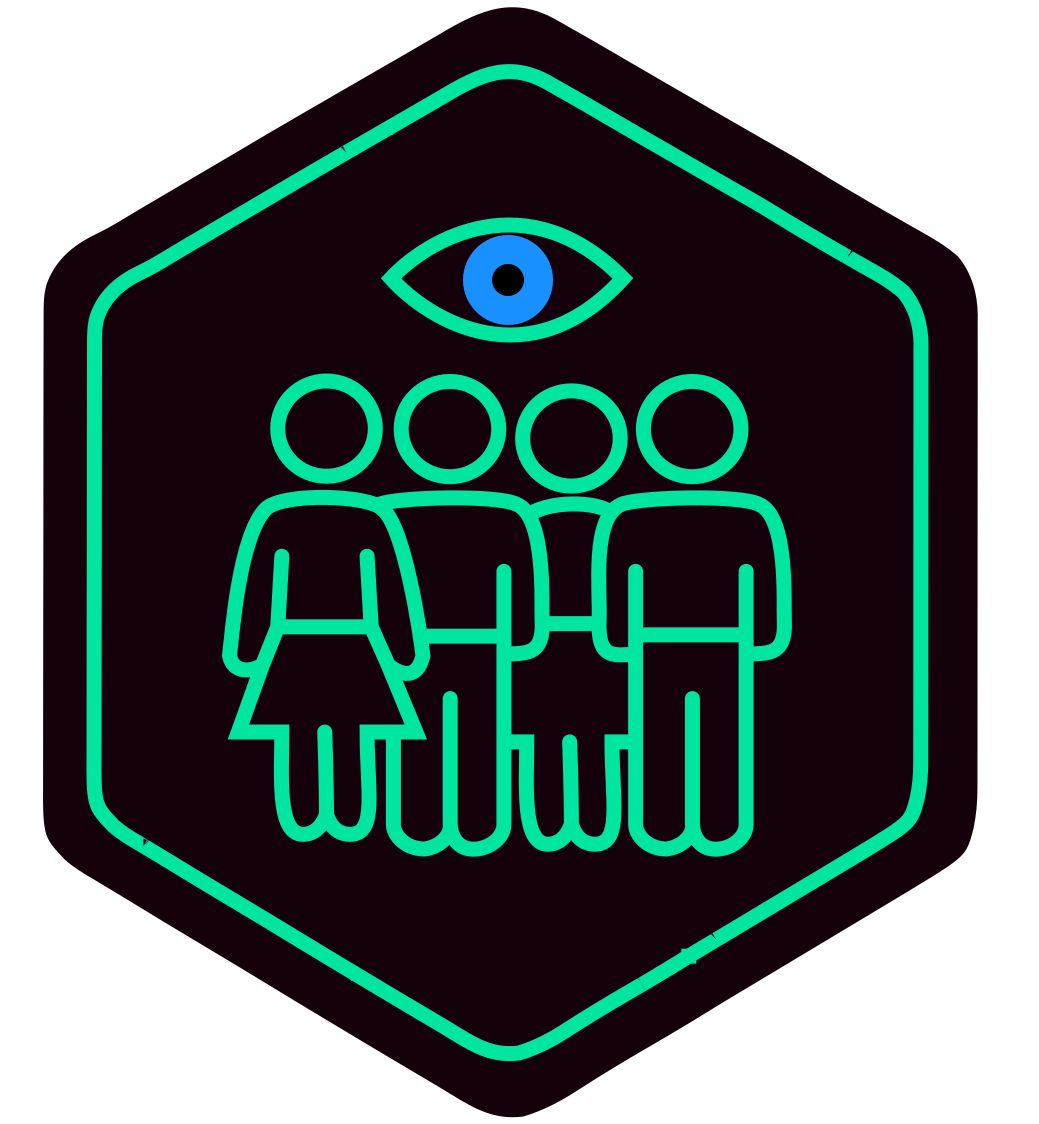
Mantra 10
Watch out for each other
See the mantra →
For Your Lock Screen

Choose your variant

Three intensity levels, same QR code. All link to the Underground Ethics Charter.

S.O.U.L. QR Wallpaper — light version
Light
Tap the image, then take a screenshot
Download
S.O.U.L. QR Wallpaper — medium version
Medium
Tap the image, then take a screenshot
Download
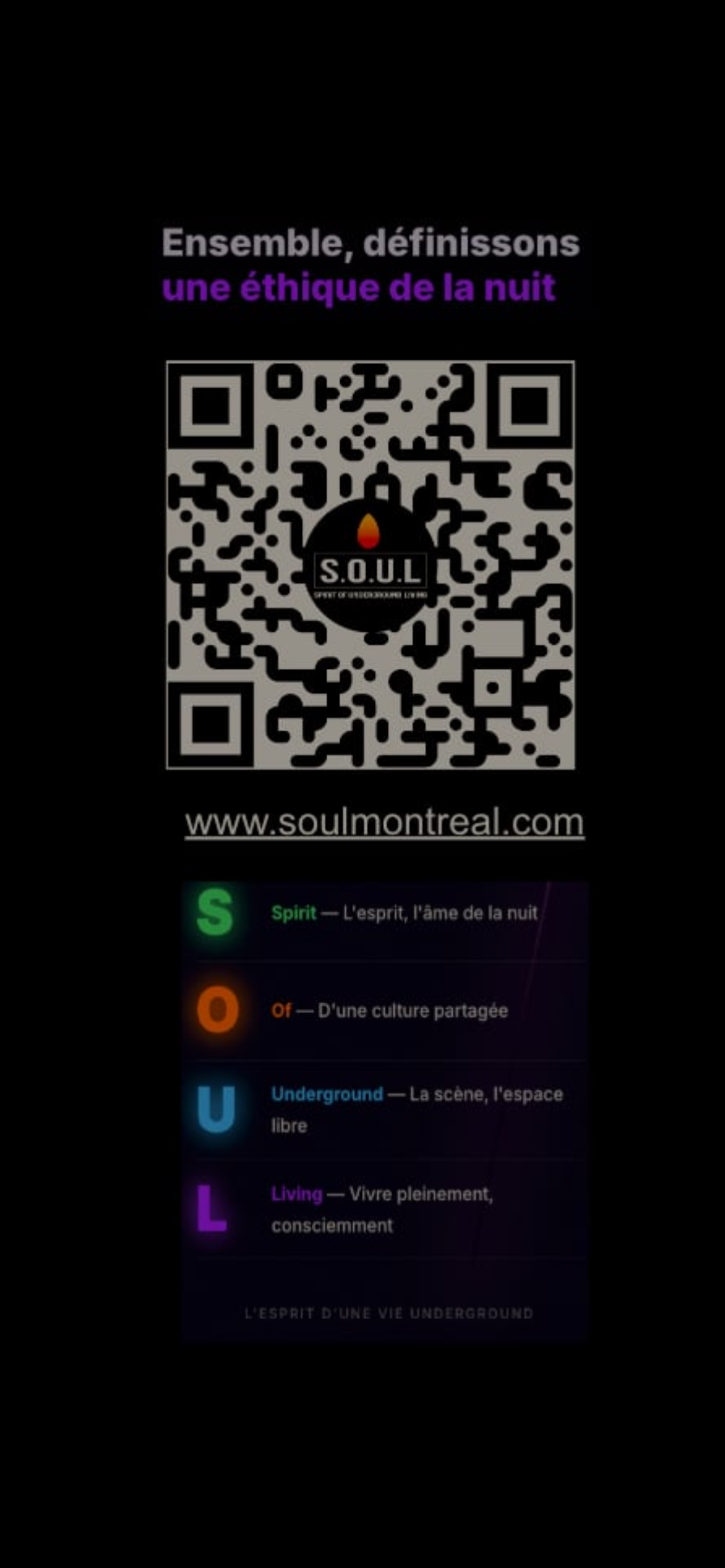
S.O.U.L. QR Wallpaper — dark version
Dark
Tap the image, then take a screenshot
Download
The 10 Mantras Matrix Poster — wallpaper
Matrix Poster
Tap the image, then take a screenshot
Download
More formats coming soon

New variants are in the works — themed formats, event-specific editions, and more. Follow us on social media to be among the first to get them.

How to set it on your phone

Press Download above, then follow the steps for your device.

iPhone
  1. Download the image to your phone
  2. Open the Photos app
  3. Tap the Share button ↑
  4. Select Use as Wallpaper
  5. Choose Lock Screen and confirm
Android
  1. Download the image to your phone
  2. Open your Gallery or Photos app
  3. Long-press the image
  4. Select Set as Wallpaper
  5. Choose Lock Screen and confirm

Discover more tools for organizers

← Back to tools